Featured news at KU
Our top featured stories



In a new paper, Nathan Meikle, a KU assistant professor of business, examines the human biases that impede assessment of AI’s potential threats to humanity. His experiments find that people are prone to underestimate AI capabilities due to exponential growth bias and that they reject the aversive implications of rapid technological progress even in cases in which they themselves predict the growth rate.
KU in the News
Other featured news
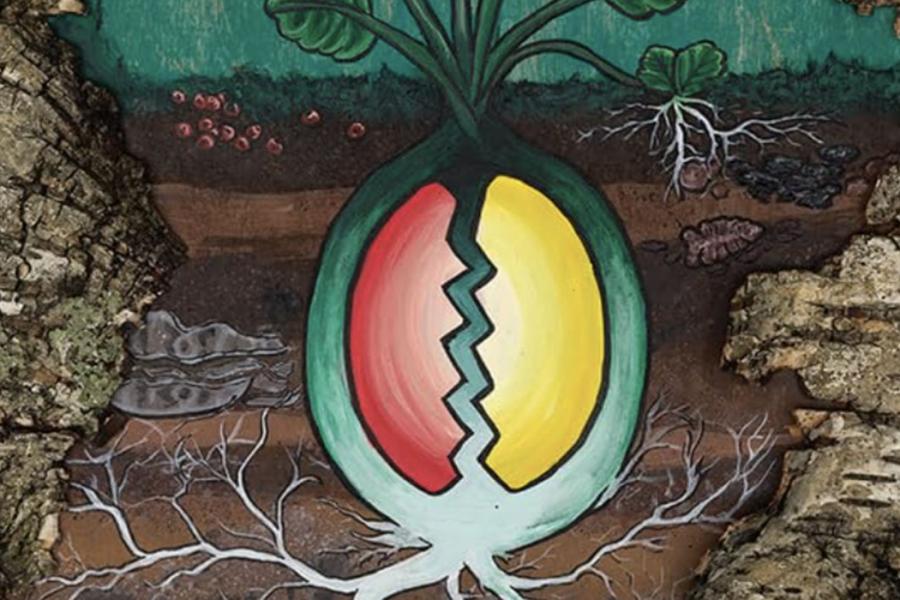
New book gathers insights, methods from rising generation of Indigenous archaeologists
A new book co-edited by a University of Kansas scholar, titled “Indigenizing Archaeology: Putting Theory into Practice," collects experiences and know-how of younger Indigenous archaeologists.
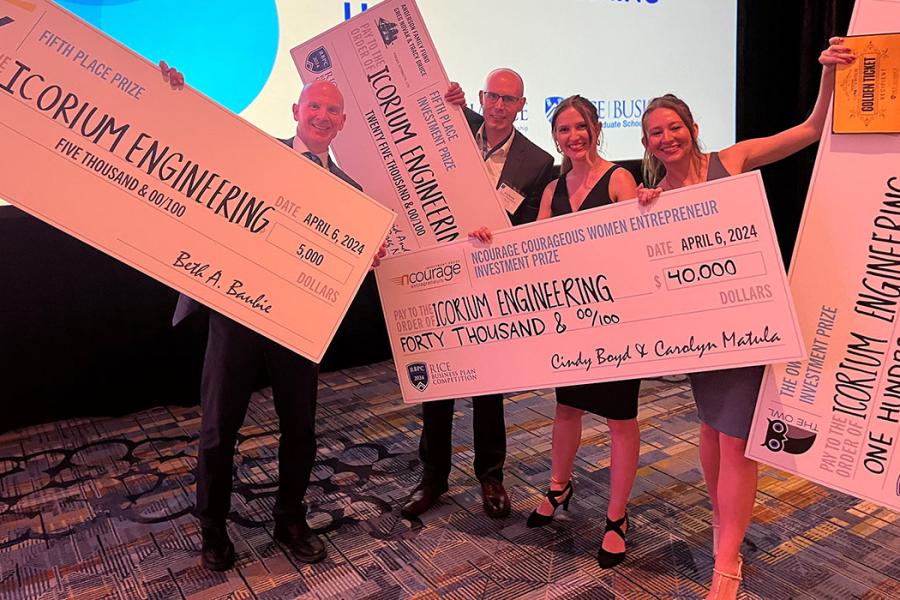
Icorium Engineering Company earns top-5 finish at 2024 Rice Business Plan Competition
Icorium Engineering Company, a sustainable engineering startup and spin-out company from KU, recently placed fifth overall and won more than $180,000 in investments and nondilutive cash and in-kind prizes at the prestigious Rice Business Plan Competition at Rice University in Houston.
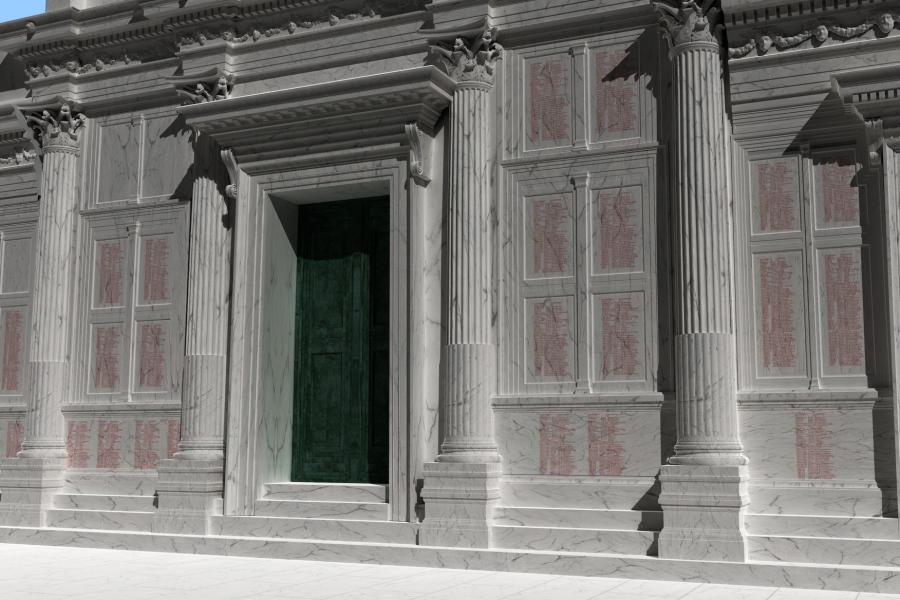
Extensive project, new book reveal monument to inflation in Roman times
Philip Stinson, associate professor of classics at the University of Kansas, has detailed a 50-year project translating Emperor Diocletian’s edict of maximum prices to “curb the rampant greed of retailers.” Stinson helped provide an architectural reconstruction of the full decree, which lists the prices allowed for a comprehensive array of goods and services.
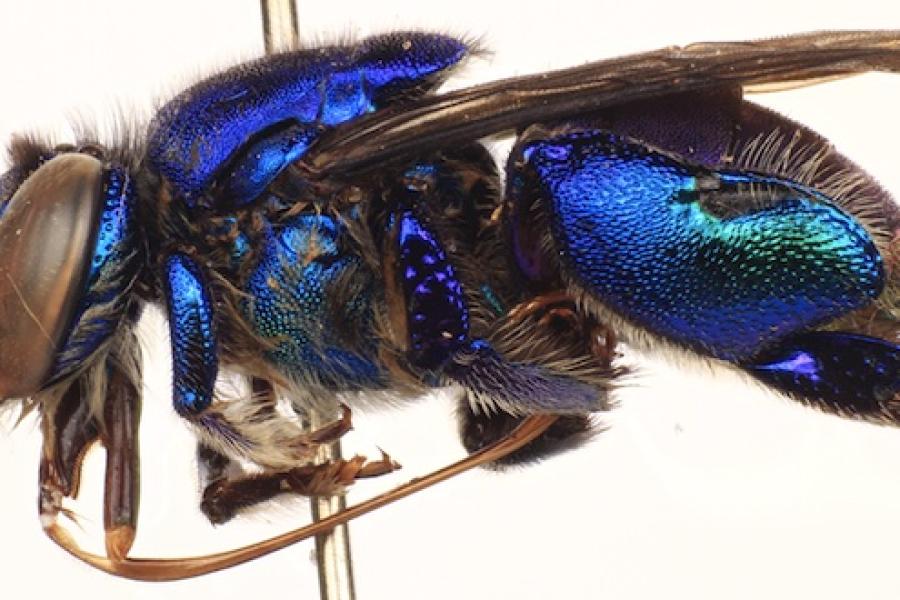
Deforestation harms biodiversity of the Amazon’s perfume-loving orchid bees
A survey of orchid bees in the Brazilian Amazon state of Rondônia, carried out in the 1990s, is shedding new light the impact of deforestation on the scent-collecting pollinators, which some view as bellwethers of biodiversity in the neotropics.
Research

In a new study, Alexander Platt analyzes the Supreme Court case of SEC v. Jarkesy and argues regardless of the high court's decision, the agency will not have its enforcement powers stripped and could patch its approach.
Kansas Communities
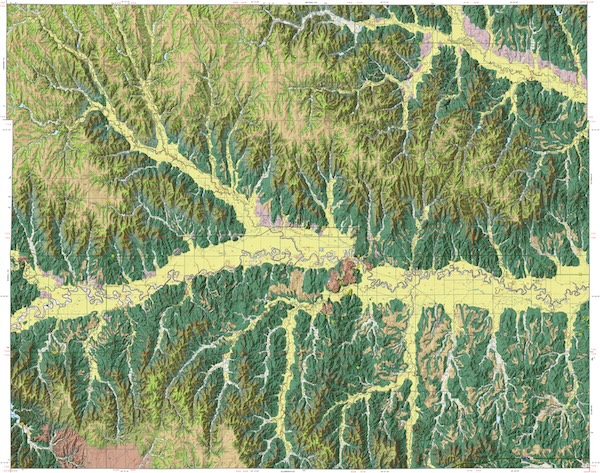
The Kansas Geological Survey-produced map shows the type and age of rock layers found at or near the surface in the north-central Kansas county. The map identifies deposits of rocks and other materials of economic importance for building roads and construction projects.
Economic Development
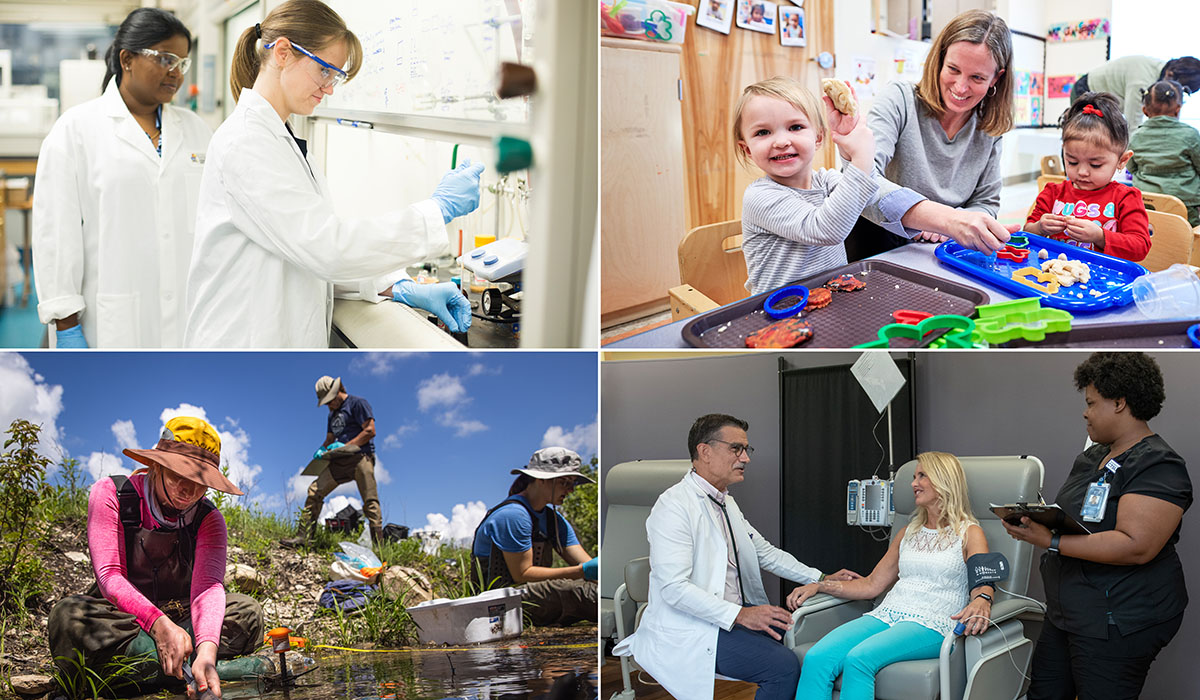
Research expenditures spanning all KU campuses increased to $368.6 million in 2023, capping nearly a decade of steady expansion. Last year alone, externally funded research at KU supported the salaries of 4,372 people, and the university spent $78.9 million in 97 Kansas counties on research-related goods and services, according to a report from the Institute for Research on Innovation & Science.
Student experience and achievement
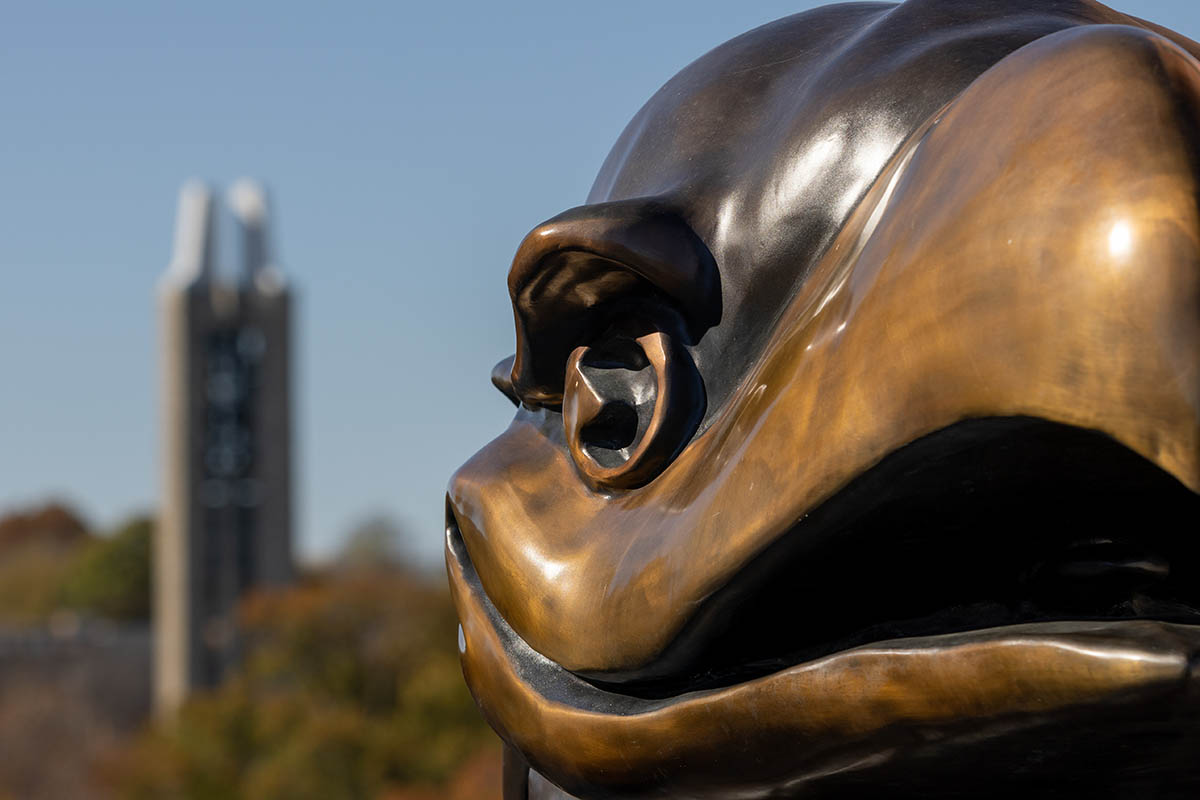
KU Debate Team members Graham Revare, junior from Shawnee, and William Soper, senior from Bucyrus, took second place in the country at the 78th National Debate Tournament, held from April 4 to 9 at Emory University in Atlanta.
Campus news
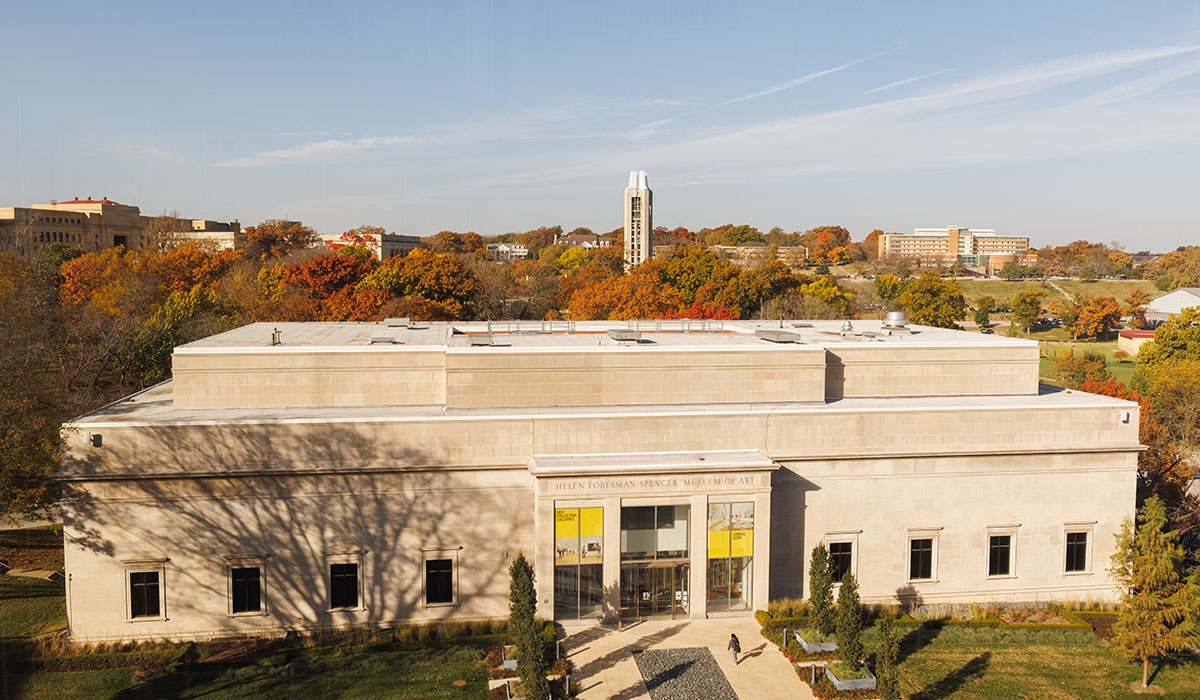
The Spencer Museum of Art at the University of Kansas will host a public event with the Rev. Wheeler Parker Jr., cousin and childhood best friend of Emmett Till, in conjunction with the traveling exhibition “Emmett Till and Mamie Till-Mobley: Let the World See.” The event will take place at 6 p.m. April 24 at the Spencer Museum. Seating is limited; free tickets are required.
Latest news
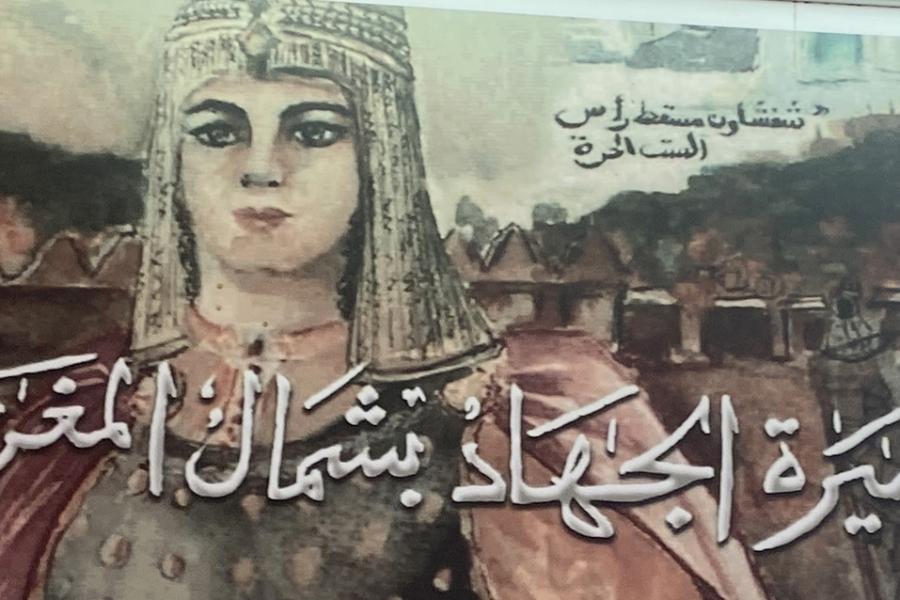
Researcher reclaims 16th century Moroccan woman leader from obscurity
KU author Amal El Haimeur uncovered information on Morocco's "pirate queen" for a new scholarly article titled “Sayyida al-Hurra: A Forgotten North African Queen and Military Leader,” published in the first edition of the new scholarly journal Africana Annual, based at KU’s Department of African & African-American Studies.
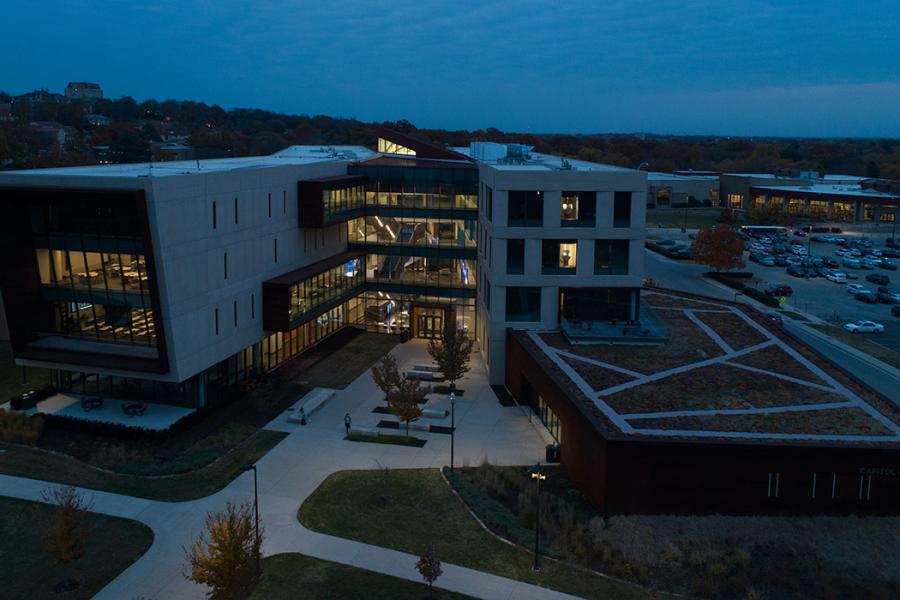
School of Business to recognize 2024 Distinguished Alumni Award recipient
The School of Business will honor executive Jason “Jay” Meschke with its 2024 Distinguished Alumni Award. He will be recognized for his dedication to business excellence, community service and commitment to KU on April 18 during a private event.

People underestimate AI capabilities due to ‘exponential growth bias,’ study finds
In a new paper, Nathan Meikle, a KU assistant professor of business, examines the human biases that impede assessment of AI’s potential threats to humanity. His experiments find that people are prone to underestimate AI capabilities due to exponential growth bias and that they reject the aversive implications of rapid technological progress even in cases in which they themselves predict the growth rate.
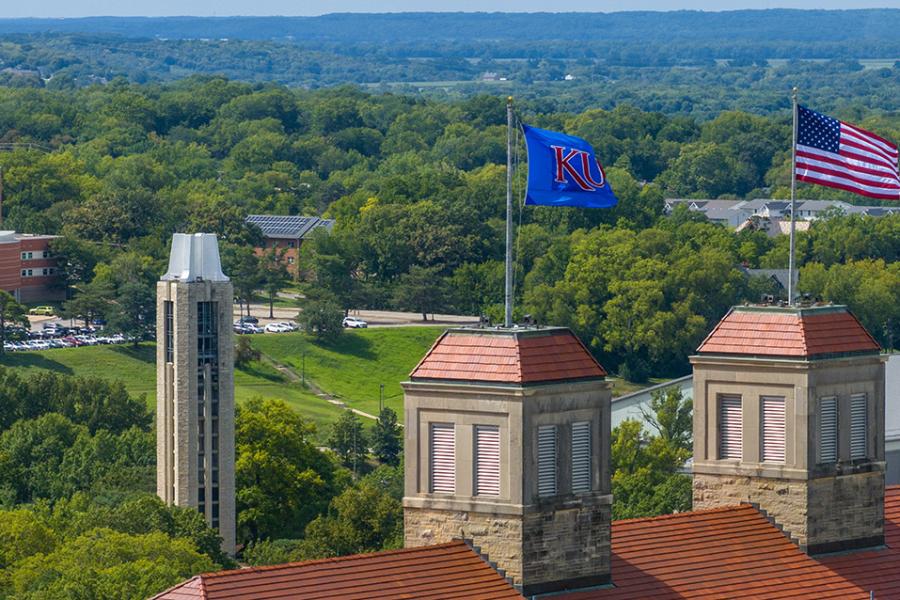
KU Counseling and Psychological Services receives prestigious accreditation
KU Counseling and Psychological Services (CAPS) has been accredited by the International Accreditation of Counseling Services (IACS), the premier leader in setting the benchmark for the full range of professional counseling services on college and university campuses worldwide.
About KU News
KU News Service informs the news media and the public of KU’s role as one of the nation’s leading research universities. Each day, KU News Service interacts with local, regional, and national media, to share KU’s experts, discoveries, contributions, and accomplishments.
Staff
Staff are responsible for producing KU Today and Inside KU. Connect with staff to learn more about a story, press coverage, or find an expert at KU.
Connect with KU News staff
Experts guide
The University of Kansas is home to faculty members who are leaders in their fields and are eager to share their expertise with media outlets around the world. Our public affairs officers can help match reporters with faculty experts, including in the top
View the guide
Media resources
The university has an extensive network of communications practitioners embedded in schools and units across KU. This network of KU Communicators is vital to ensuring different units are all speaking with a common voice.
Find resources
Swipe to see more